HOTFIX 1.0.015 PLAYER SERVICE DESK · REV 2026.08.30
Fix the repair.
Keep the day moving.
Troubleshooting and step-by-step guides for ReStory: Chill Electronics Repairs — built around the problem or device on your workbench, with verified steps separated from launch bugs and community reports.
THE REPAIR DESK
Choose what is blocking you.
Each symptom has one primary answer page, so you can reach the useful step without opening a wiki maze.
DEVICE FIX 1.0.009r · GAMEPAD 1.0.013r
Firmware update not working?
Update the game, follow the verified Unlock-Toolkit flow, and document any Guitar Legend or Mapple MyPod failure that persists in an old save.
Open firmware troubleshooting →Cleaning not working
Find missed dirt, diagnose 0% or 99% progress, and handle a part stuck near the Sonic Cleaner.
Your first day, step by step
Move from the first work order to packing, pickup, online orders, and a safe end-of-day save.
Parts, scrapping & profit
Compare Packuten parts, donor devices, storage, resale, and the Shredder with a real cost ledger.
Device repair guides
Follow checked assembly orders and dated parts snapshots for Nony PMP, Nerdio W-91F, Autorolla WT2000, and XI-box.
FIRST RESPONSE
Before you call it a bug.
Use the same short diagnostic route on any blocked job. It separates missed repair work from an issue worth tracking.
Open the complete beginner route →- 01Read the work order
Identify the exact service and component that remain incomplete.
- 02Recheck the physical repair
Inspect loose parts, reverse sides, assembly state, and the active workbench.
- 03Match the symptom
Compare what you see with the dedicated cleaning or firmware diagnosis.
- 04Check official status
If the normal path fails, review the current evidence tracker before repeating guesses.
CURRENT ISSUE DESK
Patch status at a glance.
“Fix listed” reflects the full Steam patch notes. “Hotfix confirmed” reflects a later developer reply. Recovery on every previously affected order or old save is not independently verified.
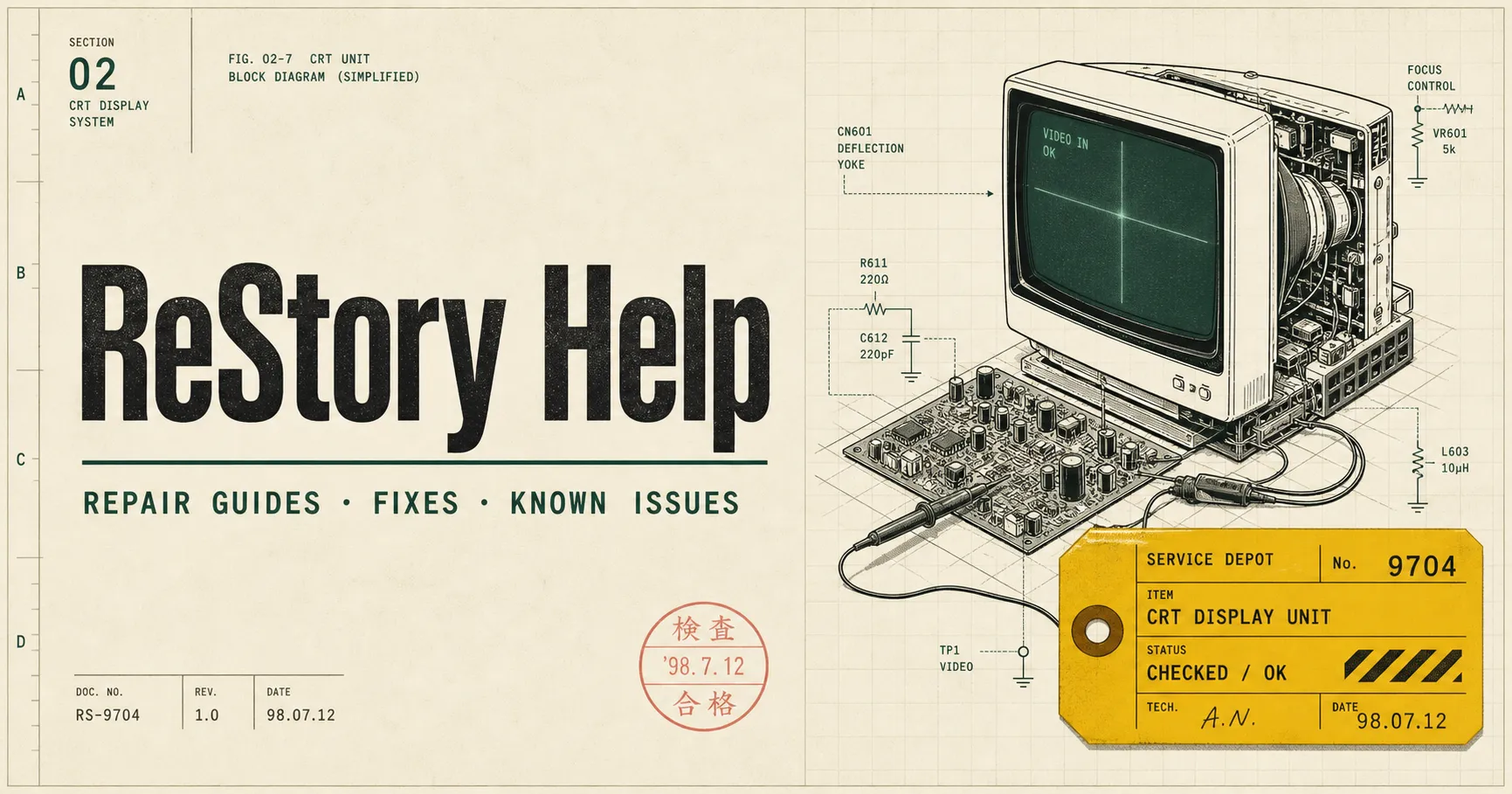
FIELD MANUAL · PLATE 02
Built like a service manual.
Original ReStory Help editorial artwork — not gameplay footage or official game art.
BUILT-IN PLAYER TOOL
Know the repair profit before you scrap the donor.
Enter your own device price, replacement parts, transaction costs, and final sale. The calculator keeps revenue and real net profit separate without inventing a launch-build economy formula.
Use the calculator →HOW ANSWERS ARE BUILT
A repair manual, not a rumor dump.
Every page shows the game window it applies to, when it was checked, and whether a claim is verified, developer-acknowledged, community-reported, or still unverified.
Read the evidence policy →Cross-checked in current full-release footage.
Linked to the developer's current public notice.
Marked clearly instead of completed with AI guesses.
QUICK IDENTIFICATION
About these ReStory guides
Is ReStory Help official?
No. It is an independent fan-made guide website and is not affiliated with Mandragora or tinyBuild.
Which game version do the guides cover?
The latest full Steam news patch is 1.0.013r, followed by a developer-confirmed 1.0.015 story hotfix. Each page keeps issue-specific fixes, exact sources, and pending old-save retests separate.
Where should I begin?
New players should use the first-day walkthrough. If you are rebuilding a named device, open the device repair index. Completion hunters can use theall 50 achievements checklist. If a work order is blocked by a symptom, choose the matching cleaning or firmware page, then check the current known-issues tracker.